Android app · No sign-up
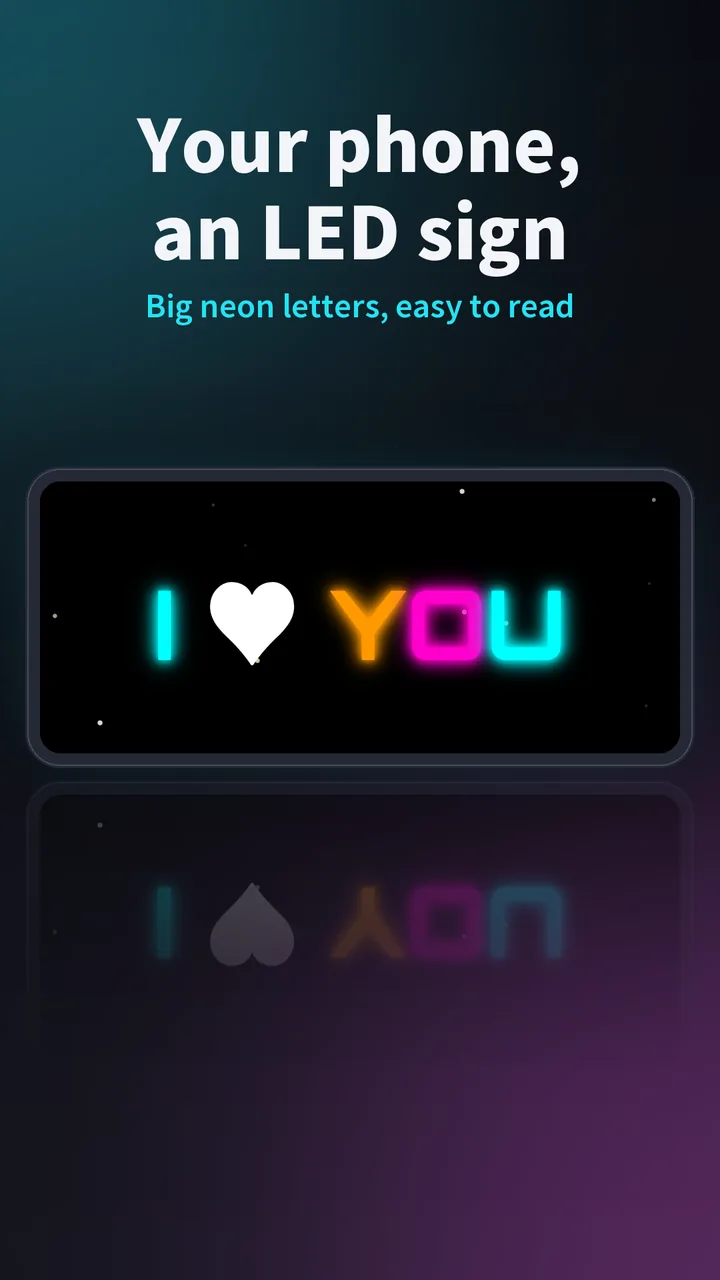
Your phone,
an LED sign
Show concert cheers, airport pickup names and shop notices in big neon LED letters. Templates, sign playlists, and GIF and video export are all in one app.
The app is free to install and shows ads. Pro removes ads with a one-time purchase. There are no subscriptions or automatic charges.
What is ShowLED?
ShowLED is an Android app that turns your phone screen into a neon LED sign when you need to show a message from far away, such as a concert cheer, an airport pickup or a shop notice. Type your text and show it full screen: big neon letters scroll or blink, and you can save the sign as a GIF or video to share. There is no sign-up, and your messages stay on your phone.
When to use it
Dark concert halls
Paper signs disappear when the lights go down. Neon letters light themselves up and can be read from the back rows.
Airport and station pickups
Show your guest's name in big letters so they spot you in a crowded arrivals hall. It also helps when hailing a taxi late at night.
Shops and event booths
Put up notices like "Open" or "Today's special" on a phone or tablet instead of buying a separate sign.
Preview your sign on the web
Change the text and effect and the stage below updates right away. Blink timing and scroll speed use the same formulas as the app.
Scroll · speed 10
Scroll speed = 80 + speed × 22 = 300 px per second
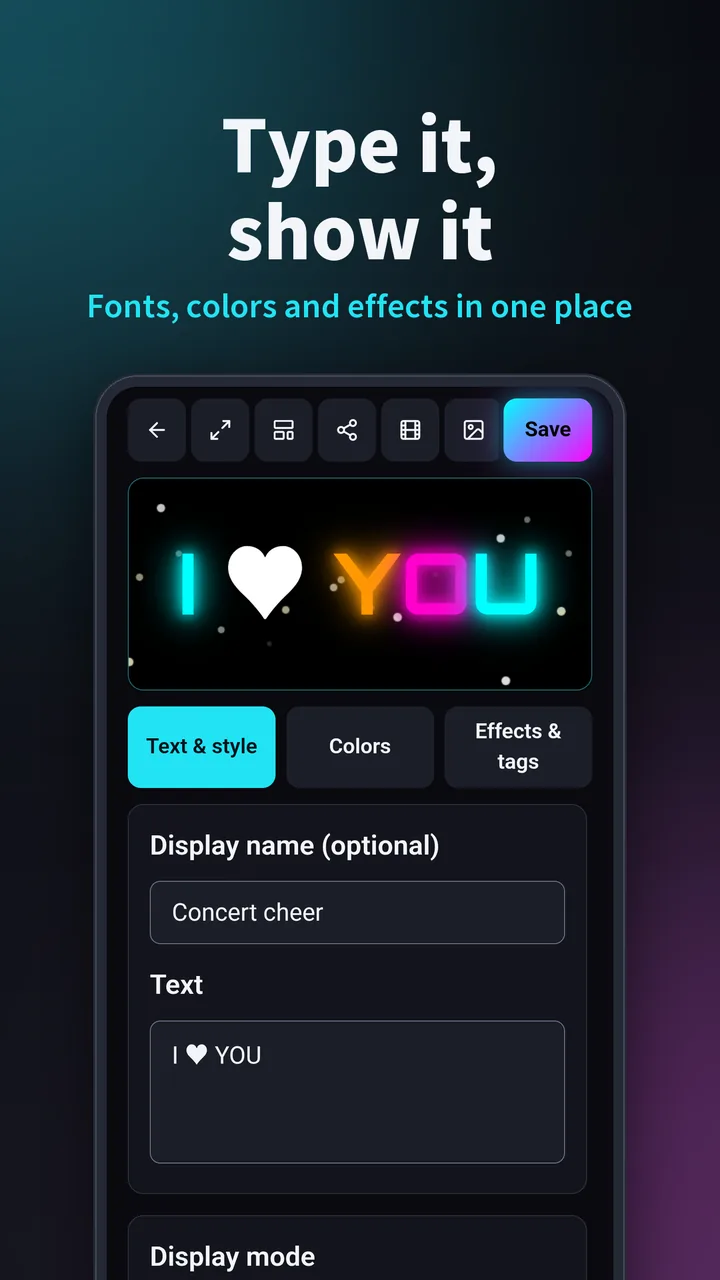
The web preview is for reference only. In the app you can also change fonts, color each letter, add background effects and photos, scroll up or down, and show a clock or countdown, and the app turns up your screen brightness so the sign looks sharper.
Features
Motion and effects
Scroll left, right, up or down, hold still, or blink. Blinking is limited to 3 times per second or slower to protect your eyes.
Neon text colors
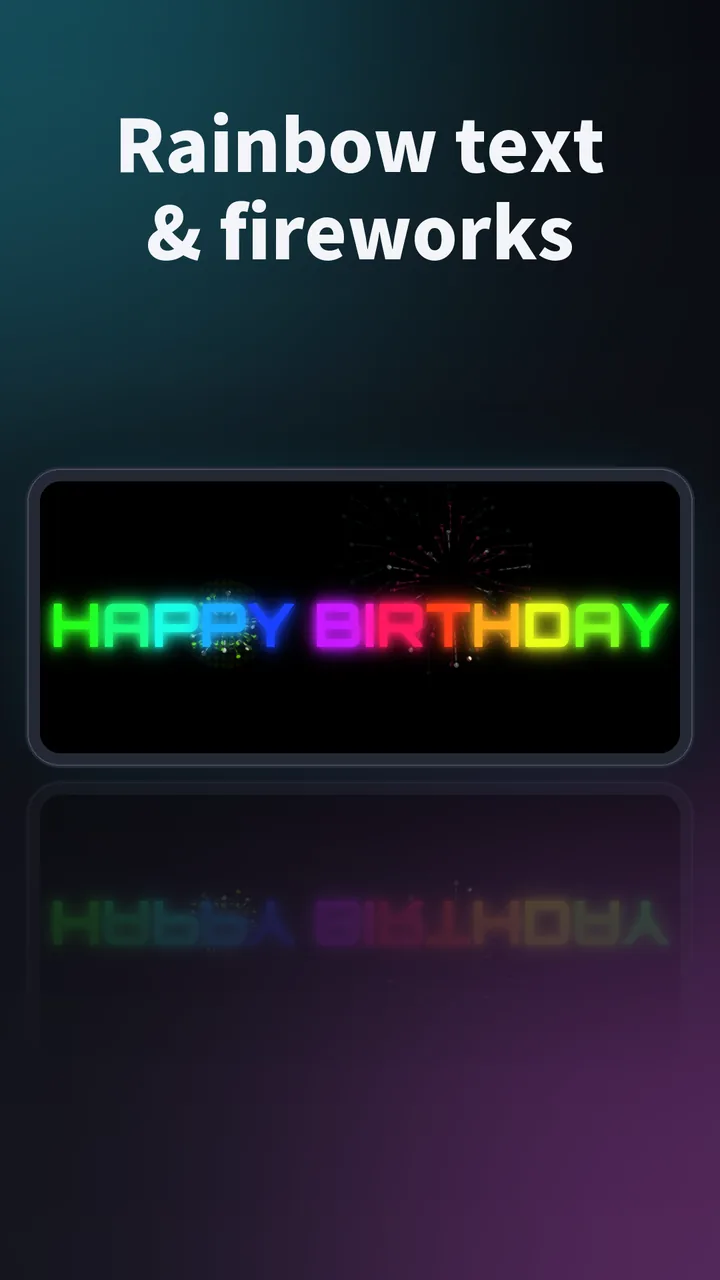
Solid, a different color per letter, rainbow or gradient. If a color is hard to read from far away, the app suggests a better one.
LED dots and backgrounds
Round or grid dots give a real sign look. Add fireworks, sparkles, rain or stars, or a background photo.
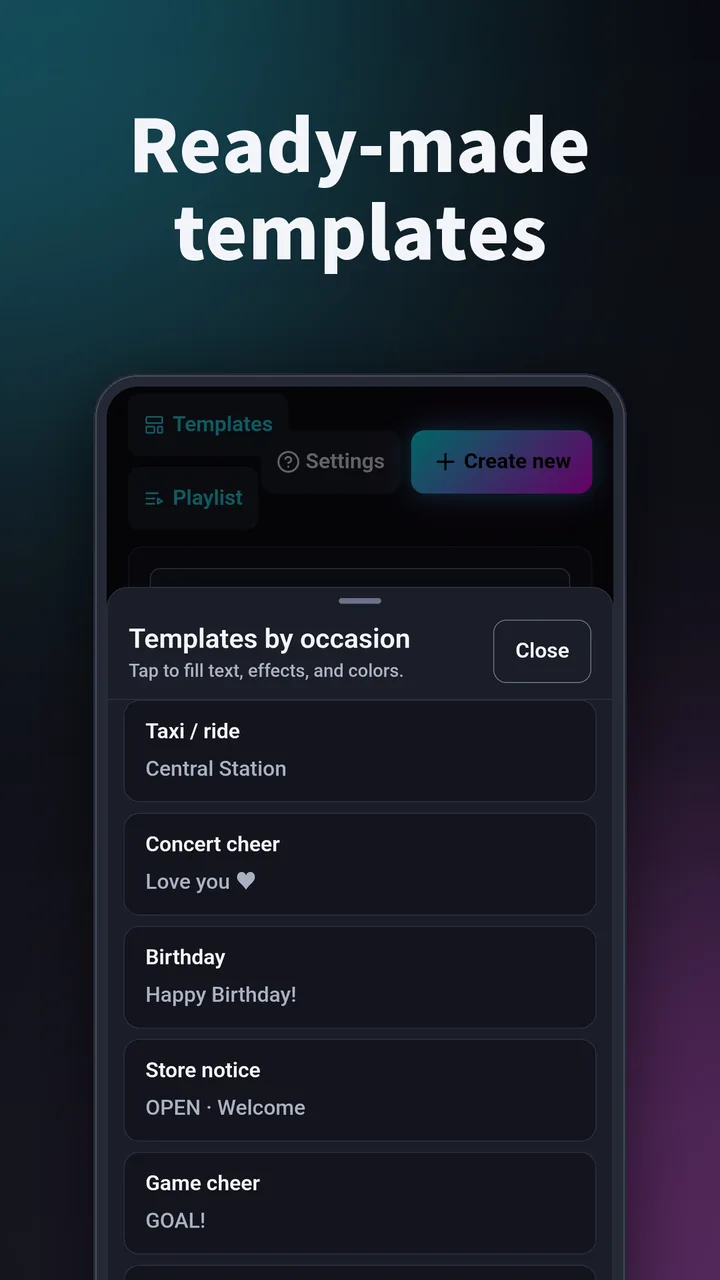
Templates by occasion
Fill in the text, colors and effects for taxis, concerts, birthdays, shops and more in one tap.
Sign playlist
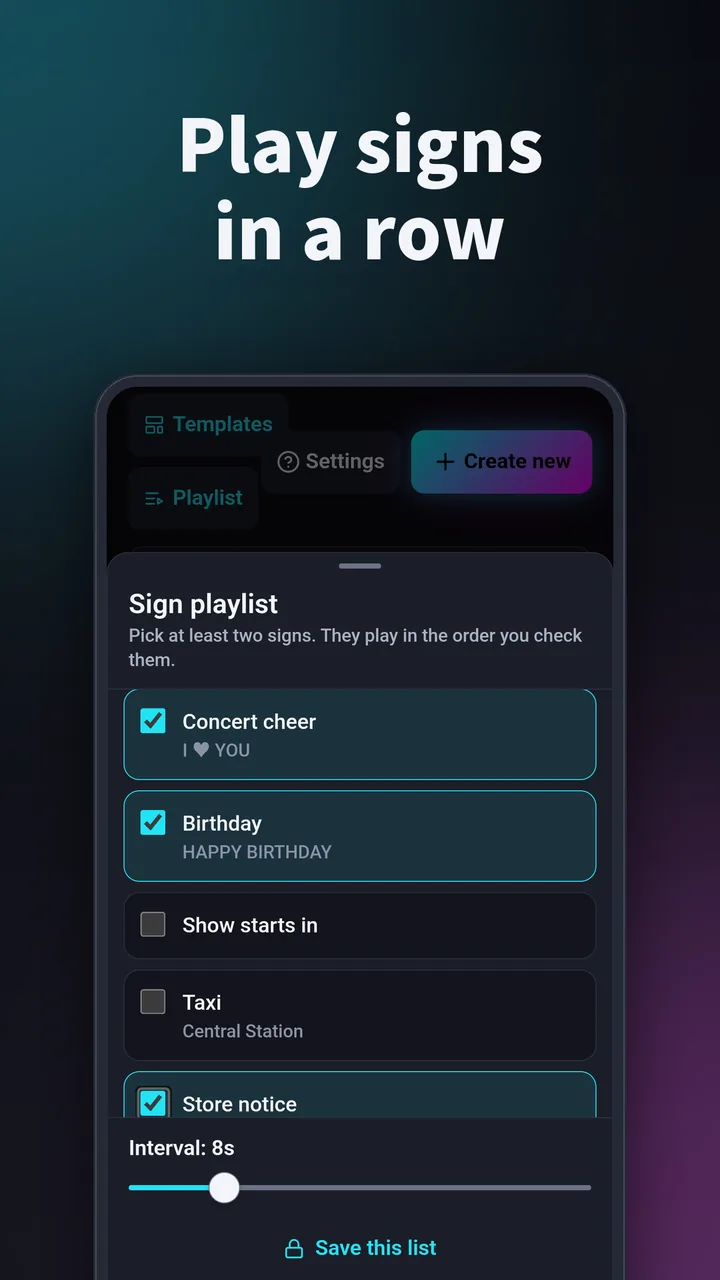
Pick several signs and play them one after another in full screen. Great for a set of cheers.
Full screen
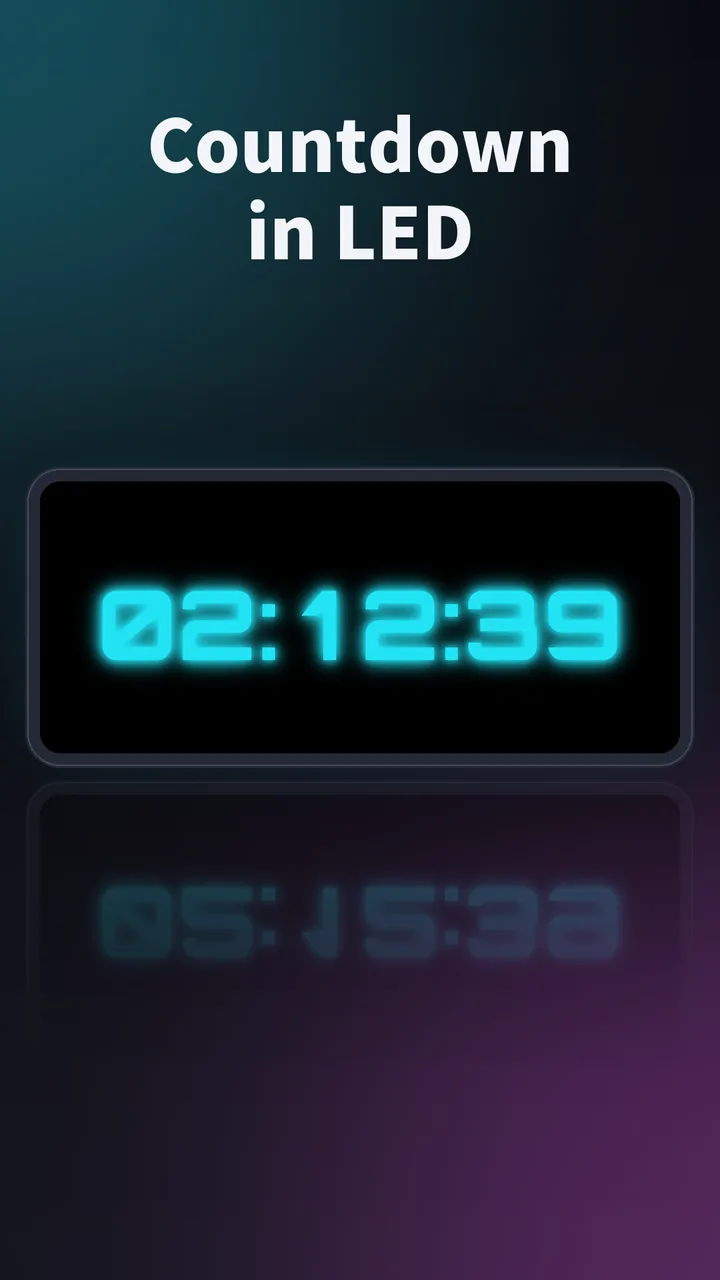
Raises screen brightness and keeps the screen on. Mirror mode reads correctly through windows, and you can show a clock or countdown.
GIF and video
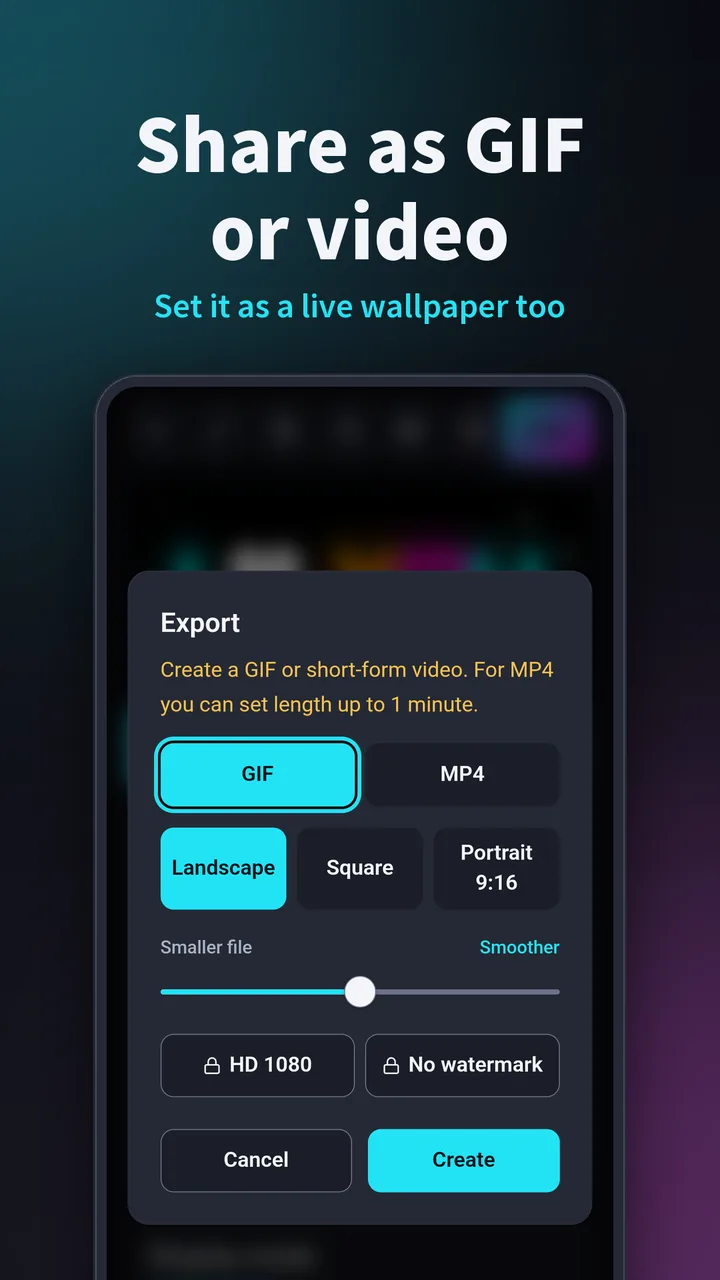
Export in landscape, square or portrait (9:16) and share to messengers and social media.
Live wallpaper
Set your sign as a moving wallpaper on your Android home and lock screens.
Backup, search, 27 languages
Find messages with tags and search, and move them to a new phone with a backup file. The app supports 27 languages with matching sign fonts.
Screenshots
Swipe to see more.
Your messages stay on your phone
No sign-up
There are no accounts. Your messages and photos stay on your phone and are never sent to our servers.
Only the permissions it needs
Internet, set wallpaper, Google Play billing and advertising ID. No camera, microphone, location or contacts.
Clear about data
Google handles ads and payments. Read the details in our Privacy Policy.
Pricing
Every product is a one-time purchase. No subscriptions, no automatic charges. Prices below are in KRW (Korean won) for Korea; Google Play shows the price in your local currency (for example, US$2.99 for Pro Lifetime in the US).
Core
₩0
- Create signs, full screen, live wallpaper
- Shows ads
- Watermark on exports, 10-second videos
- 3 signs per playlist, 3 photo backgrounds
Recommended
Pro Lifetime
₩4,400
- No ads
- HD GIFs and videos without a watermark (up to 60 seconds)
- Unlimited playlists + saved lists
- Premium fonts and templates
Supporter Pro
₩9,900
Same features as Pro Lifetime. The extra amount supports development.
Day Pass
₩1,100
Pro features for 24 hours from the time you pay. It does not renew.
FAQ
Do I need an account?
No. You can start right away without signing in, and your messages stay on your phone.
Does it work offline?
Yes. Creating signs and showing them full screen work without the internet. Only ads, purchases and some font downloads need a connection.
Will I be charged every month?
No. Every product is a one-time purchase with no automatic charges.
Will I lose my signs if I change phones?
No. Create a backup file in Settings > Data > Backup and restore it on your new phone.
Is there an iPhone version?
No. ShowLED is only available for Android on Google Play right now.
Is the blink effect hard on the eyes?
Blinking is limited to 3 times per second or slower. If you are sensitive to flashing light, use the scroll or still effect instead.
Tonight's show, your message, big
Install the app, type your text, and your phone becomes an LED sign.
Get it on Google Play